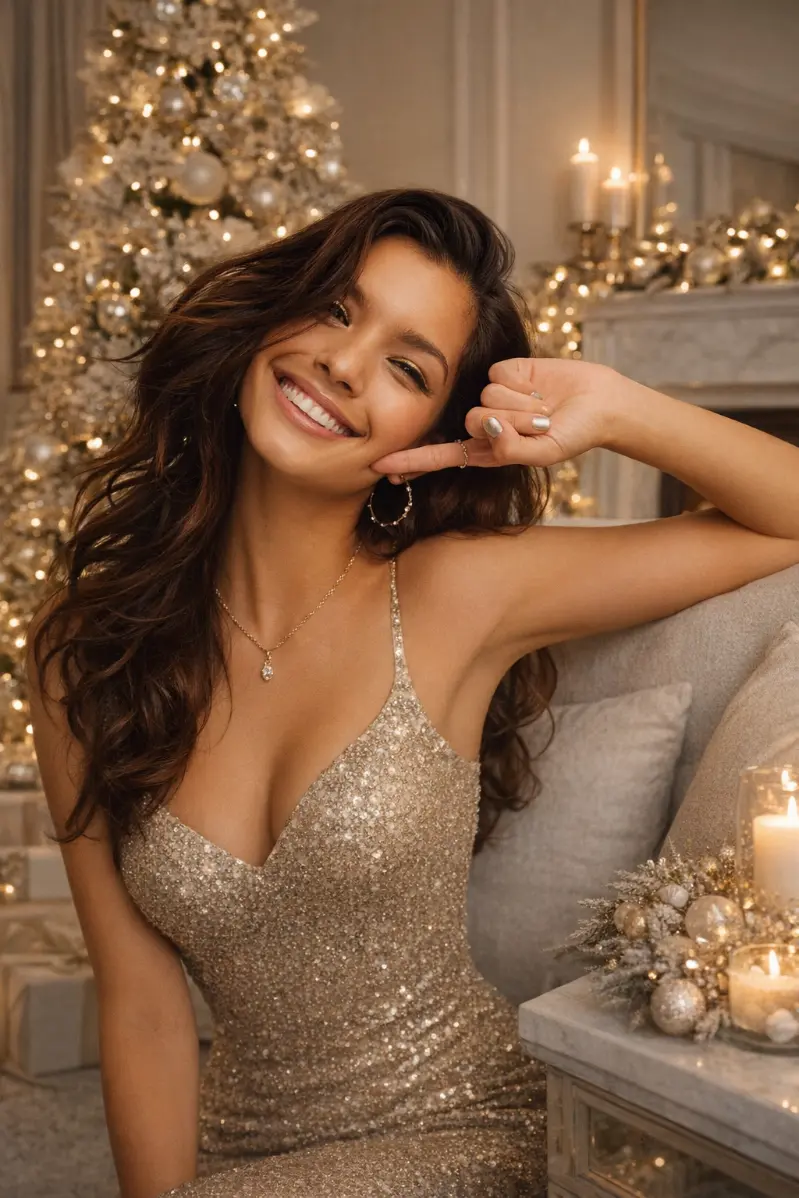
If you want to know how to do the ai christmas photo trend, the secret is simple: start with one clear photo of your real face, then pair it with a detailed prompt that tells the AI exactly how to style you for Christmas.
Instead of random filters, this trend keeps your actual features and just upgrades everything else into a cinematic, festive, “Christmas movie main character” version of you.

1. What Is the AI Christmas Photo Trend?
The AI Christmas photo trend turns a normal selfie into a highly stylized holiday portrait that still looks like you, just with better lighting, outfits, and a full Christmas set behind you.
Everyone is searching how to do the ai christmas photo trend because you can go from “regular front camera pic” to “Christmas princess movie poster” in a few minutes using AI.
- Uses your real face as the base image.
- Swaps in AI‑generated hair styling, makeup, outfits, and backgrounds.
- Works best when your prompt is specific and your base photo is clean.
2. Step Zero: Choose an “AI‑Friendly” Base Photo
Before you even touch prompts, the most important part of how to do the ai christmas photo trend is picking the right base photo.
Best type of photo to upload:
Do not use:
-- Snapchat / Instagram filter selfies.
-- Blurry selfies, weird angles (from way below or above), or half‑covered faces.
The AI uses your real face—so if you want strong results when you’re trying how to do the ai christmas photo trend, you have to give it the cleanest version of you.
3. Golden Rule: Tell the AI “Do Not Change My Face”
The number one mistake people make when trying how to do the ai christmas photo trend is letting AI “helpfully” change their face.
To stop that, keep this line in every single prompt:
Use my real facial features exactly as they are. Do NOT change or alter my face in any way.
Then add simple, clear details about your natural look so your AI Christmas photos still feel like you:
- Hair length: short / medium / long.
- Hair texture: straight / wavy / curly / coily.
- Hair color: black, dark brown, light brown, blonde, ginger, etc.
- Eye color: dark brown, brown, hazel, green, blue, etc.
If you don’t mention hair or eye color, the AI may slightly change them or make you look more generic, which is not what you want when learning how to do the ai christmas photo trend.

4. Step‑by‑Step: How to Do the AI Christmas Photo Trend
Here’s a simple workflow you can use in almost any AI image tool (Midjourney, DALL·E, Gemini, mobile AI apps, etc.).
Step 1: Upload Your Base Photo
- Pick the clearest, no‑filter, well‑lit selfie where your full face is visible.
- For a set of images, use the same photo across different prompts so all your AI Christmas photos look like one cohesive shoot.
Step 2: Choose Your Vibe
Decide which direction your how to do the ai christmas photo trend attempt should go:
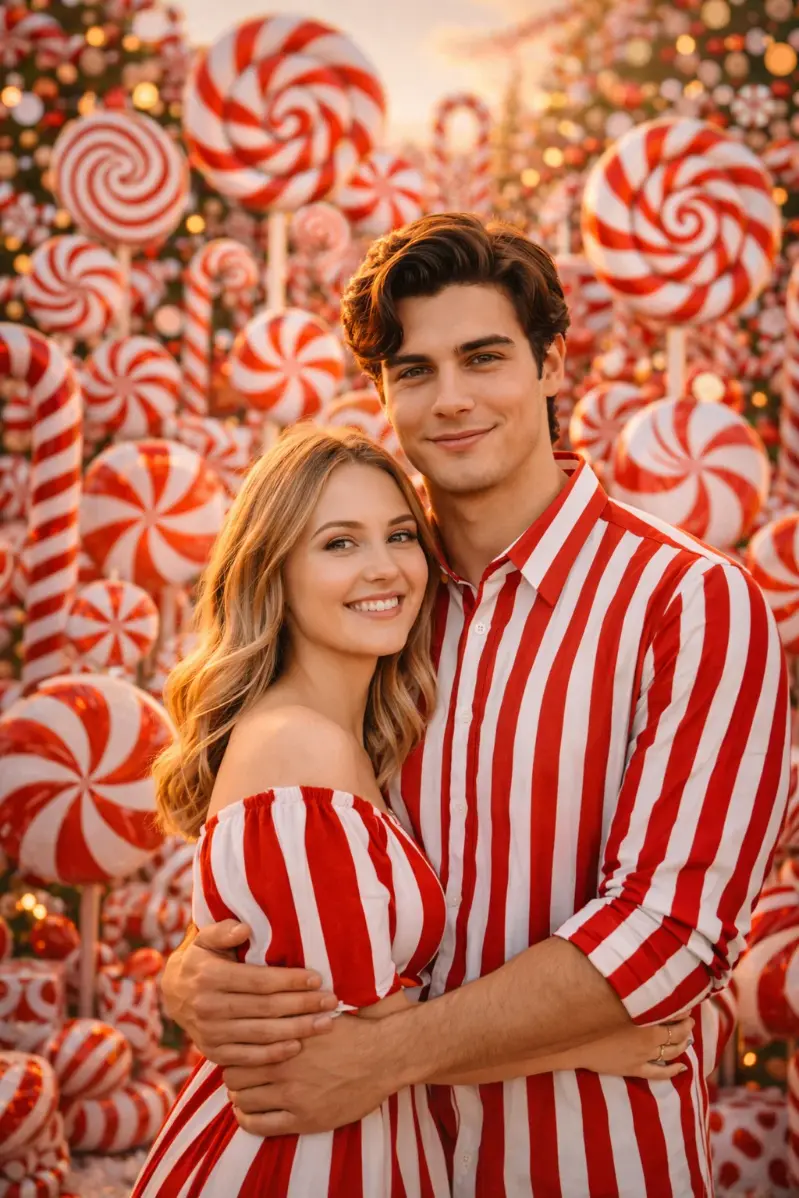
- Princess / fairytale: Snow Queen, Christmas Princess, Candy Land vibes.
- Cozy / lifestyle: Cozy Cabin, Christmas Morning Soft Girl.
- Glam / editorial: Santa Glam, Holiday Party Babe, Old Hollywood.
Step 3: Lock In the “Face + Features” Section
Every prompt should include:
Use my real facial features exactly as they are. Do NOT change my face.
- A short line about your hair + eyes:
- “My hair is long straight black hair.”
- “My eye color is dark brown.”
This makes how to do the ai christmas photo trend much more reliable and keeps you from turning into a random AI stranger.
Step 4: Describe Outfit, Background, Lighting, and Mood
To get that scroll‑stopping look, specify:
- Outfit: red velvet dress, chunky knit sweater, sequin gown, glitter jumpsuit, pajamas.
- Background: cozy cabin, candy land set, winter forest, city street, Christmas tree corner.
- Lighting: soft window light, warm firelight, icy studio light, dramatic candlelight, bright playful holiday lighting.
- Mood: cozy, glamorous, magical, regal, cinematic, minimalist.
Step 5: Run the Same Prompt Multiple Times
If the first image isn’t perfect, don’t panic.
- Run the same prompt again with the same photo.
- Make tiny edits only if needed (change color, tweak background).
- Many of the best how to do the ai christmas photo trend results come from the second or third generation, not the first.
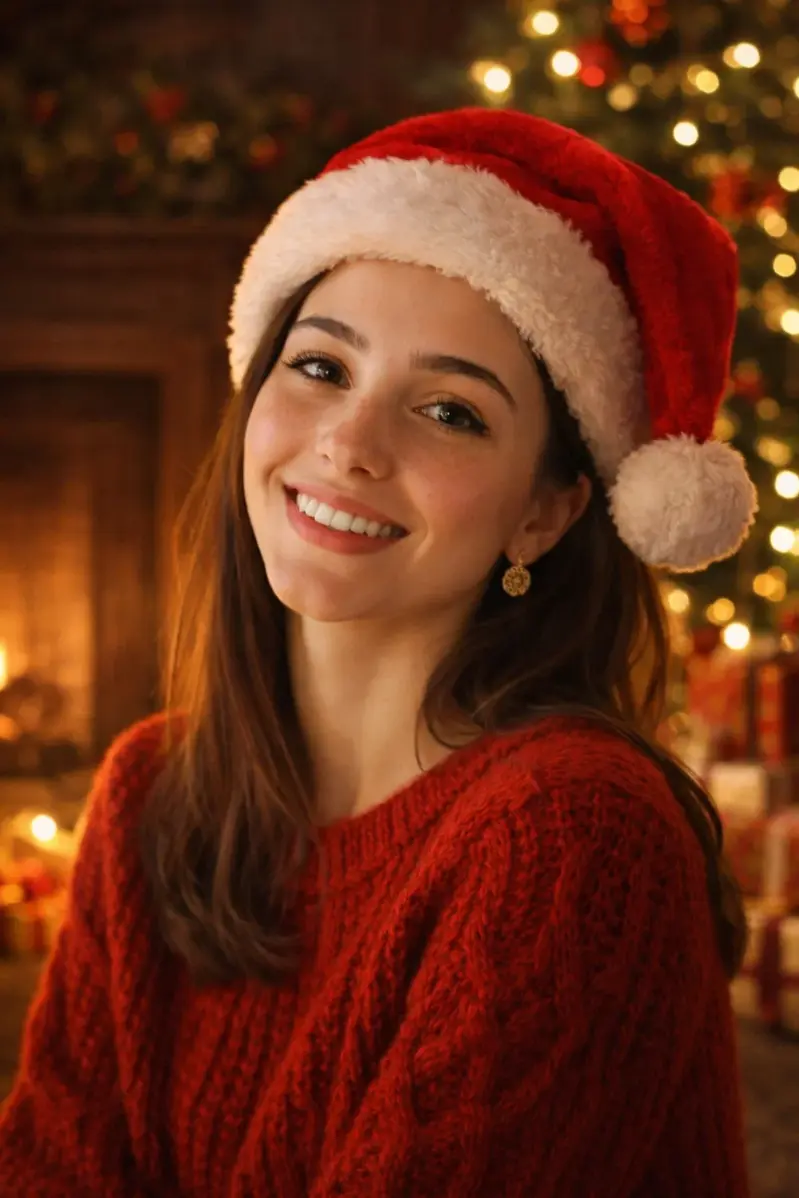
5. Big Prompt Pack for the AI Christmas Photo Trend
All the prompts below are designed to help with how to do the ai christmas photo trend quickly.
Just copy, paste, and replace the bracketed parts like [insert eye color] or [insert hair color].
1. Santa Glam (Hot Christmas Babe)
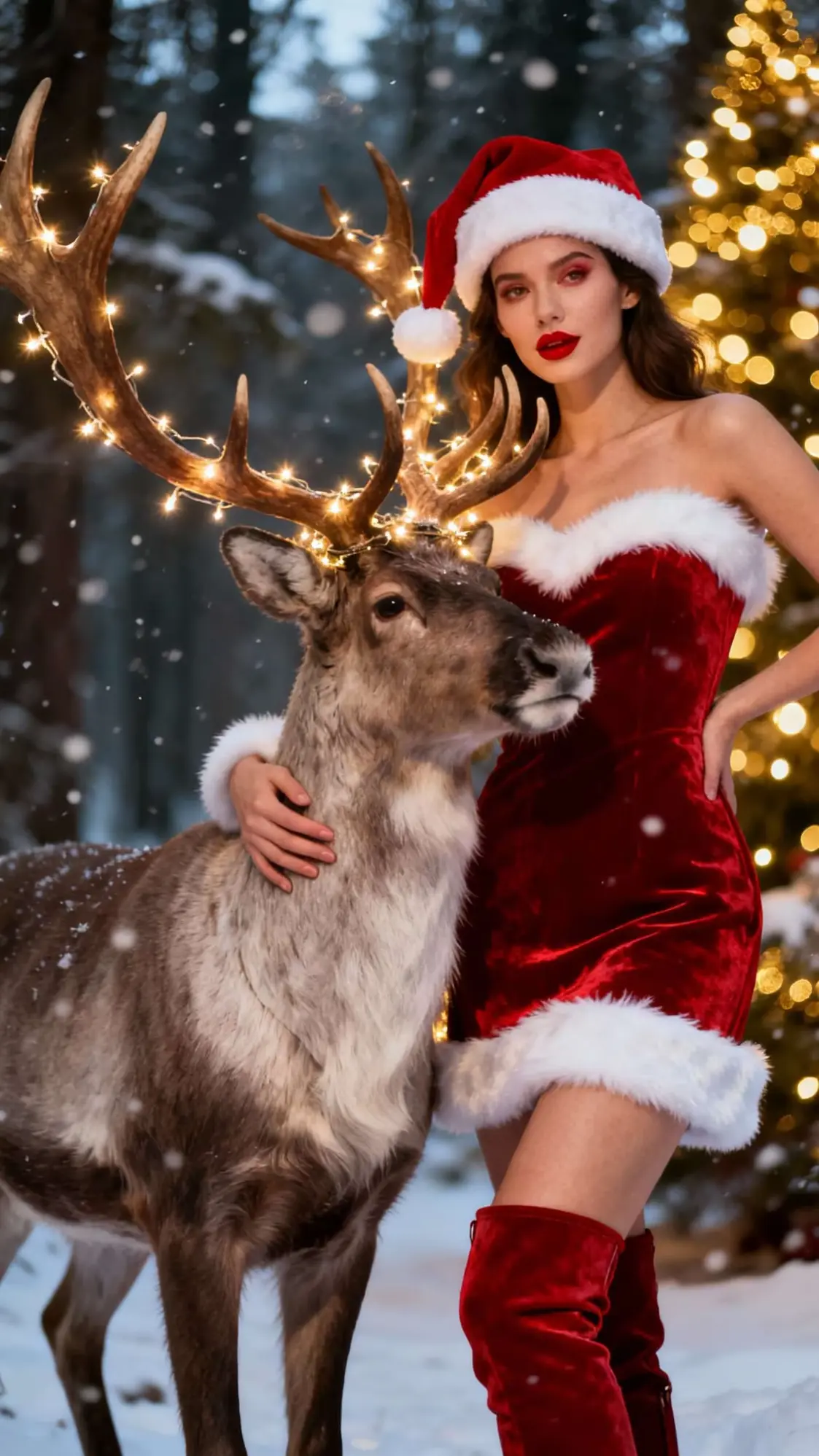
Create an ultra-realistic 8K Christmas portrait using a 55mm lens with glamorous holiday studio lighting. Use my real facial features exactly as they are. Do NOT change or alter my face in any way. My hair is styled in voluminous glamorous waves. My hair color is [insert hair color]. My eye color is [insert eye color]. My makeup is bold holiday glam with glowing skin, winged liner, and classic red lips. I am wearing a fitted red velvet dress with white faux fur trim. The background features Christmas trees, fairy lights, shiny ornaments, and a luxurious holiday studio set. The mood is confident, glamorous, and festive.
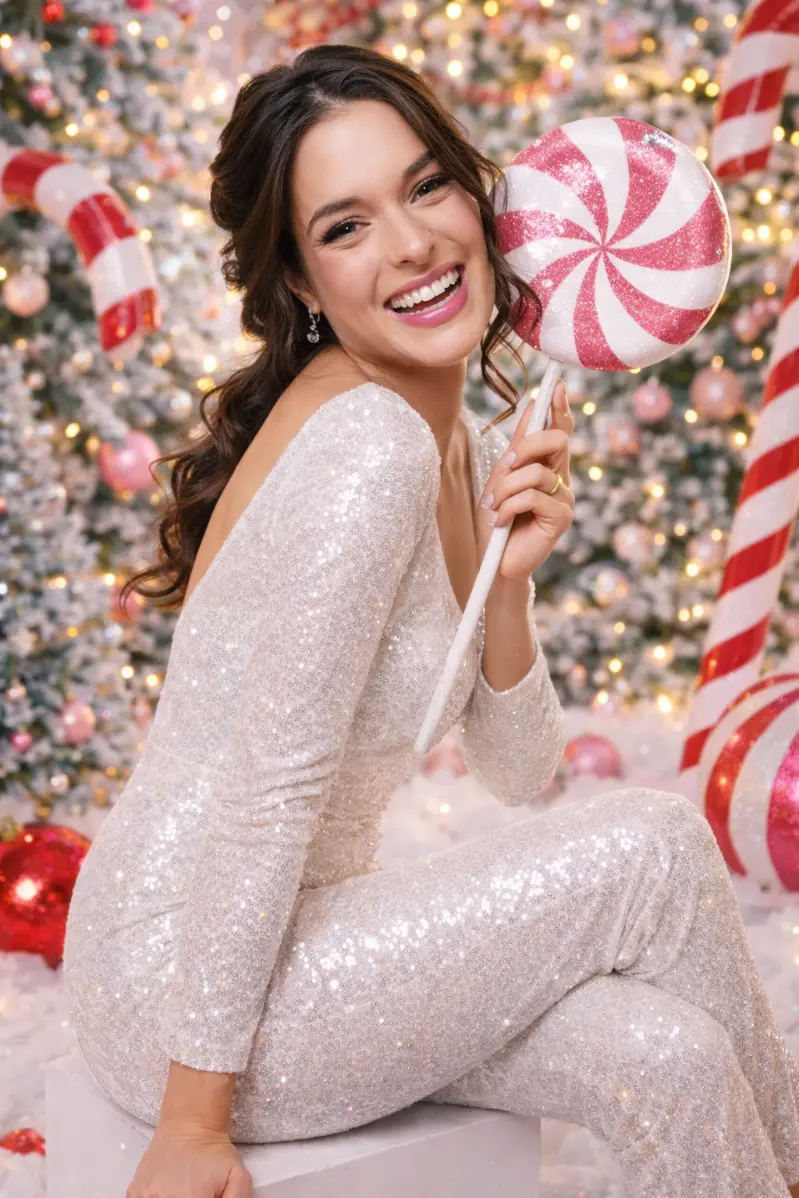
2. Snow Queen Princess
Create an ultra-realistic 8K winter portrait using soft icy studio lighting and a 55mm lens. Use my real facial features exactly as they are. Do NOT change my face. My hair is styled in an elegant updo with loose curls framing my face. My hair color is [insert hair color]. My eye color is [insert eye color]. My makeup is cool-toned winter glam with shimmer on the eyes, glowing skin, and soft nude lips. I am wearing a silver or white sparkly gown. The background is a winter wonderland with frosted trees, falling snow, and soft glowing lights. The mood is regal, magical, and icy, like a snow queen from a fairytale.
3. Cozy Cabin Christmas
Create a realistic cozy Christmas portrait using warm firelight and soft ambient lighting. Use my real facial features exactly as they are. Do NOT change my face. My hair is natural and softly styled, slightly tousled. My hair color is [insert hair color]. My eye color is [insert eye color]. My makeup is minimal and warm, with soft brown tones and natural lips. I am wearing an oversized chunky knit sweater in cream or beige. The background is a cozy wooden cabin with a fireplace, a decorated Christmas tree, string lights, blankets, and pillows. The mood is warm, relaxed, intimate, and hygge.